
SFCE Learning on every device
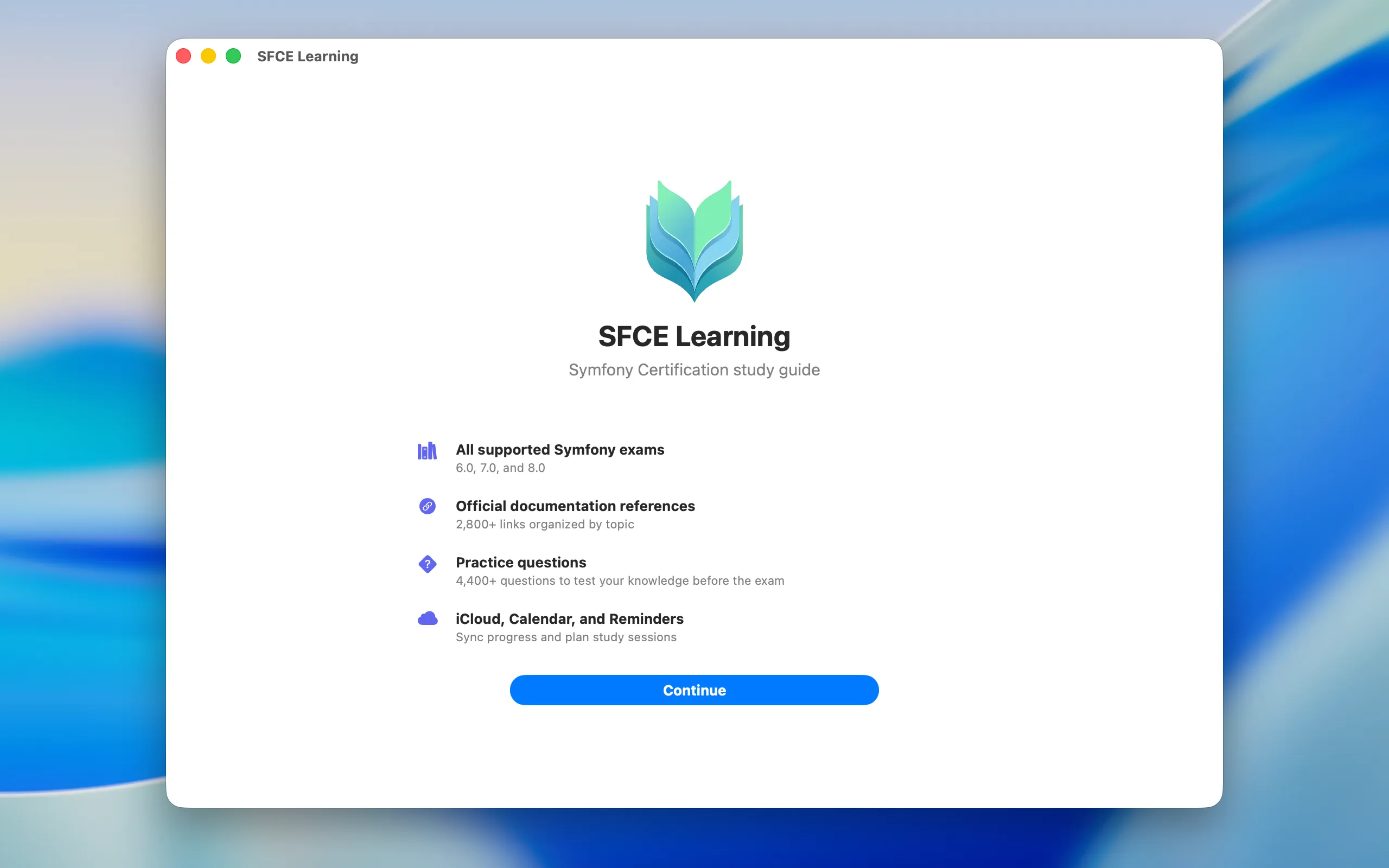
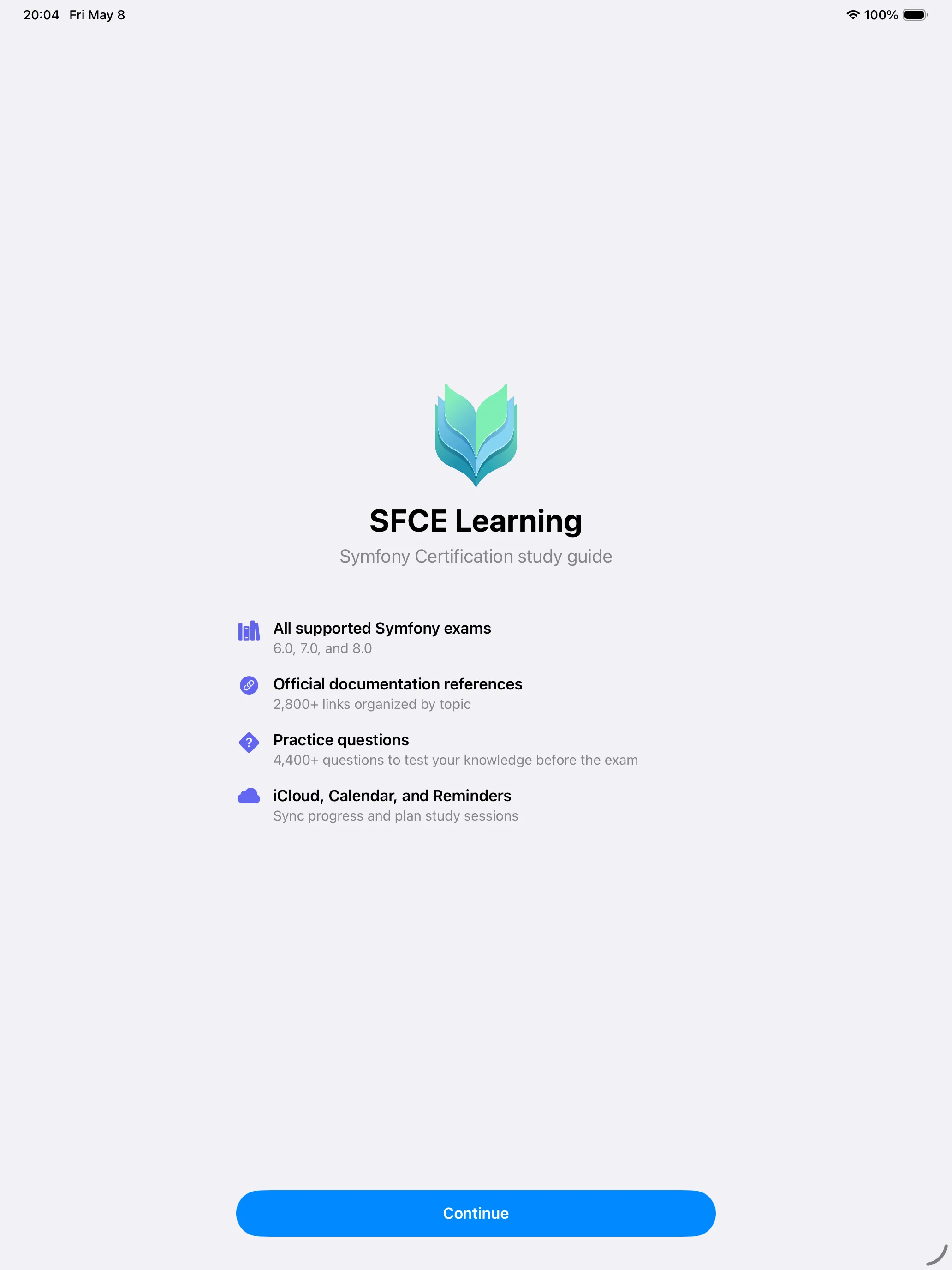
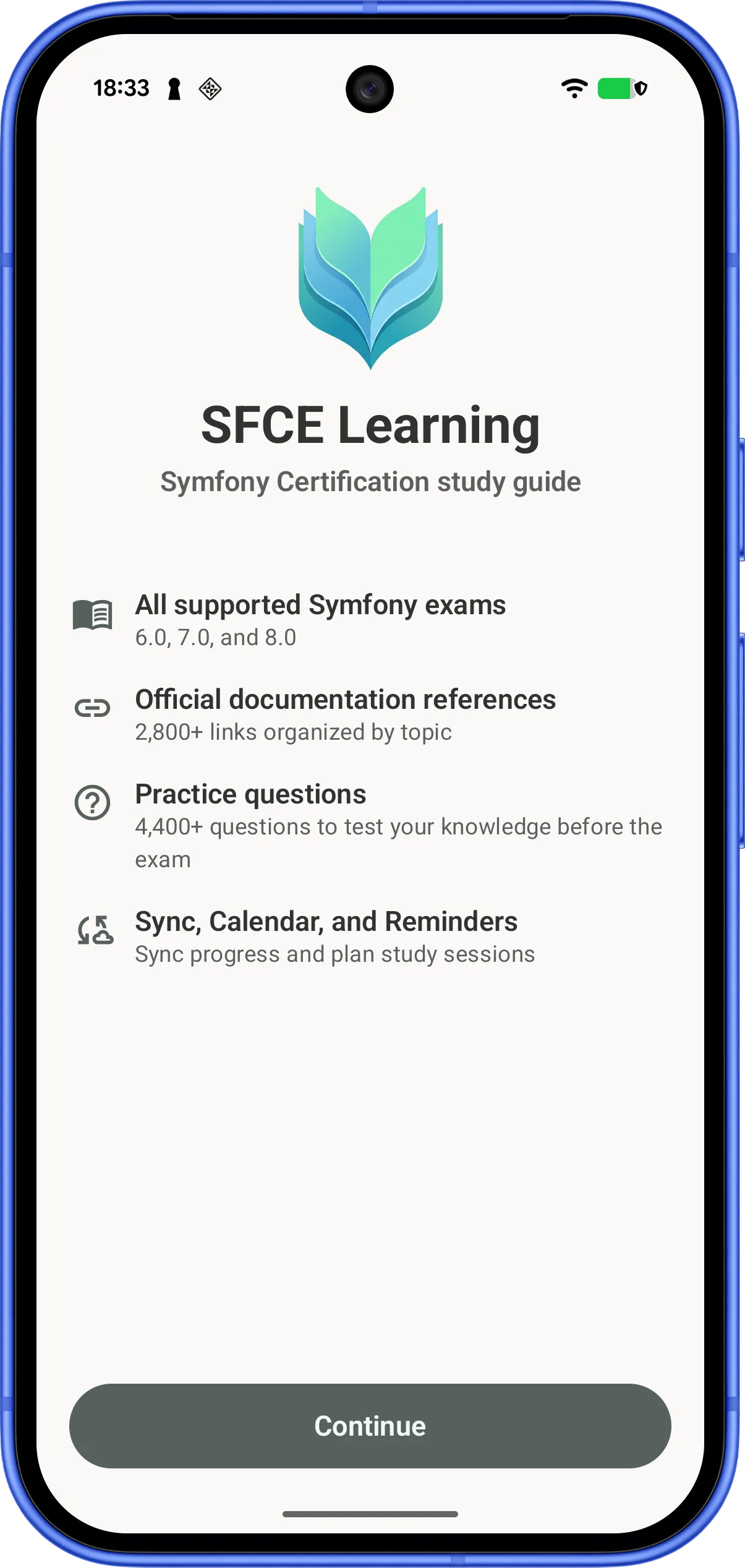
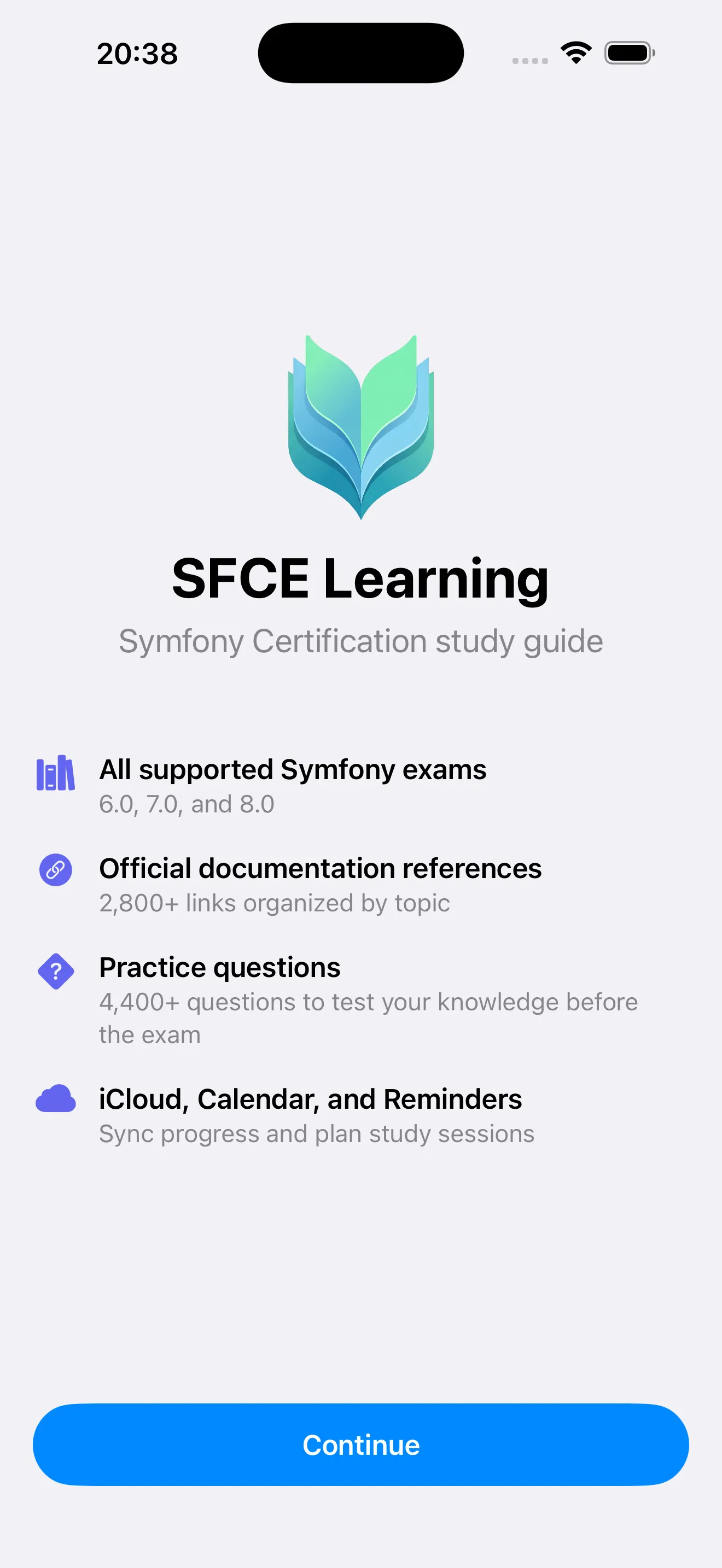
A native companion for the Symfony Framework Certification Exam — on iPhone, iPad, Mac, and Android. Same content as sfcelearning.com — offline, fast, and at home on each platform.





iPhone, iPad, Mac — iOS / iPadOS / macOS 26.4 or later. Android — available on Google Play.
At home on every device
Free on iPhone, iPad, Mac, and Android. Pick up exactly where you left off, on whatever you have in hand.
Fully Offline
All topics, chapters, and references are bundled with the app. No network required for core functionality.
Cloud Sync
Progress syncs between your iPhone, iPad, and Mac via iCloud, and is backed up on Android through Auto Backup.
Calendar & Reminders
Schedule study sessions or create reminders for any chapter or reference straight from the app.
Progress Tracking
Track completed references per chapter, topic, and Symfony version — 8.0, 7.0, and 6.0.
Privacy First
No accounts, no analytics, no tracking. Study data stays on your device and your iCloud account.
Native on each platform
Swift & SwiftUI on Apple, Kotlin & Compose on Android. Light and dark mode follow your system appearance automatically.
Test your knowledge
Unlock practice quizzes with a one-time purchase — no subscriptions, no expirations. Thousands of questions across Symfony 6.0, 7.0, and 8.0, with instant answer review so you learn from every mistake.
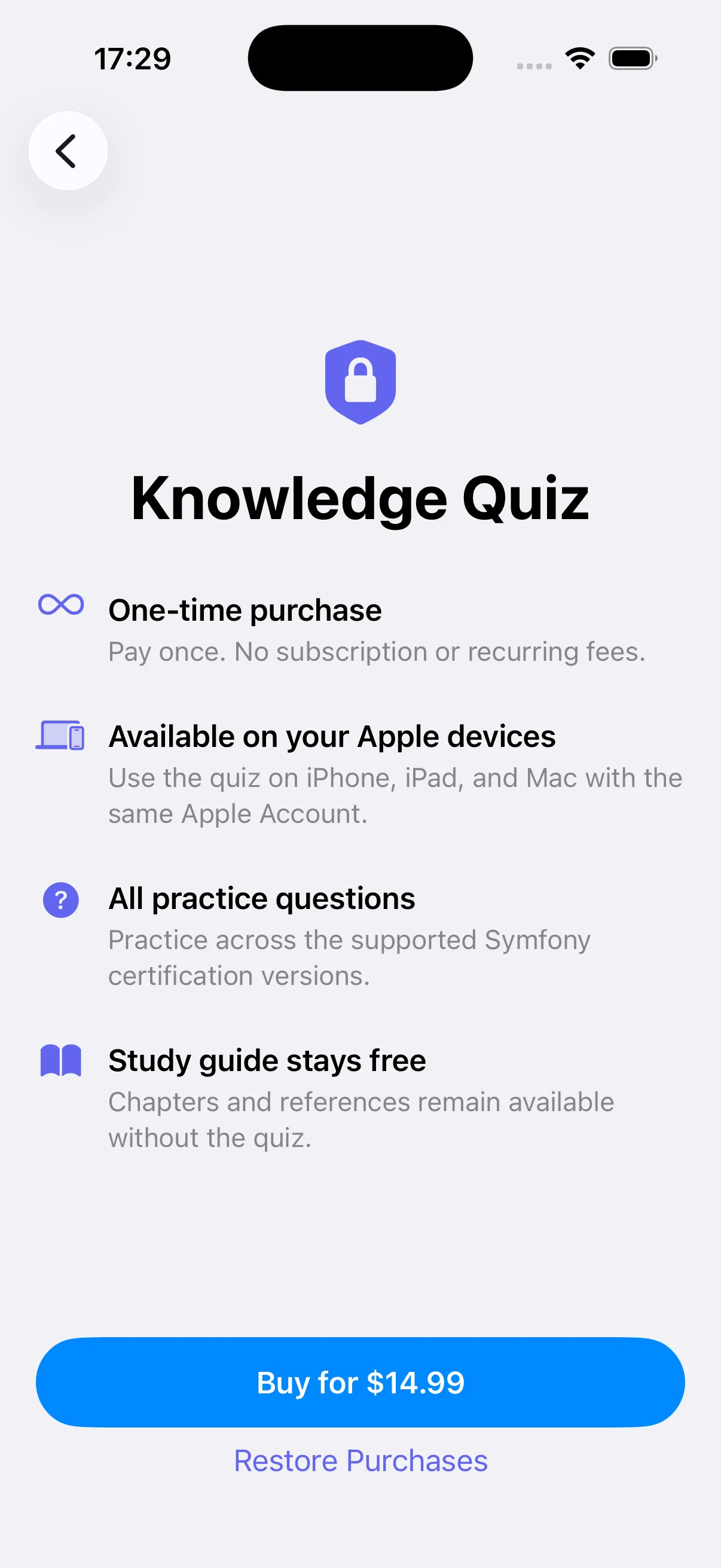
Unlock once
Lifetime purchase
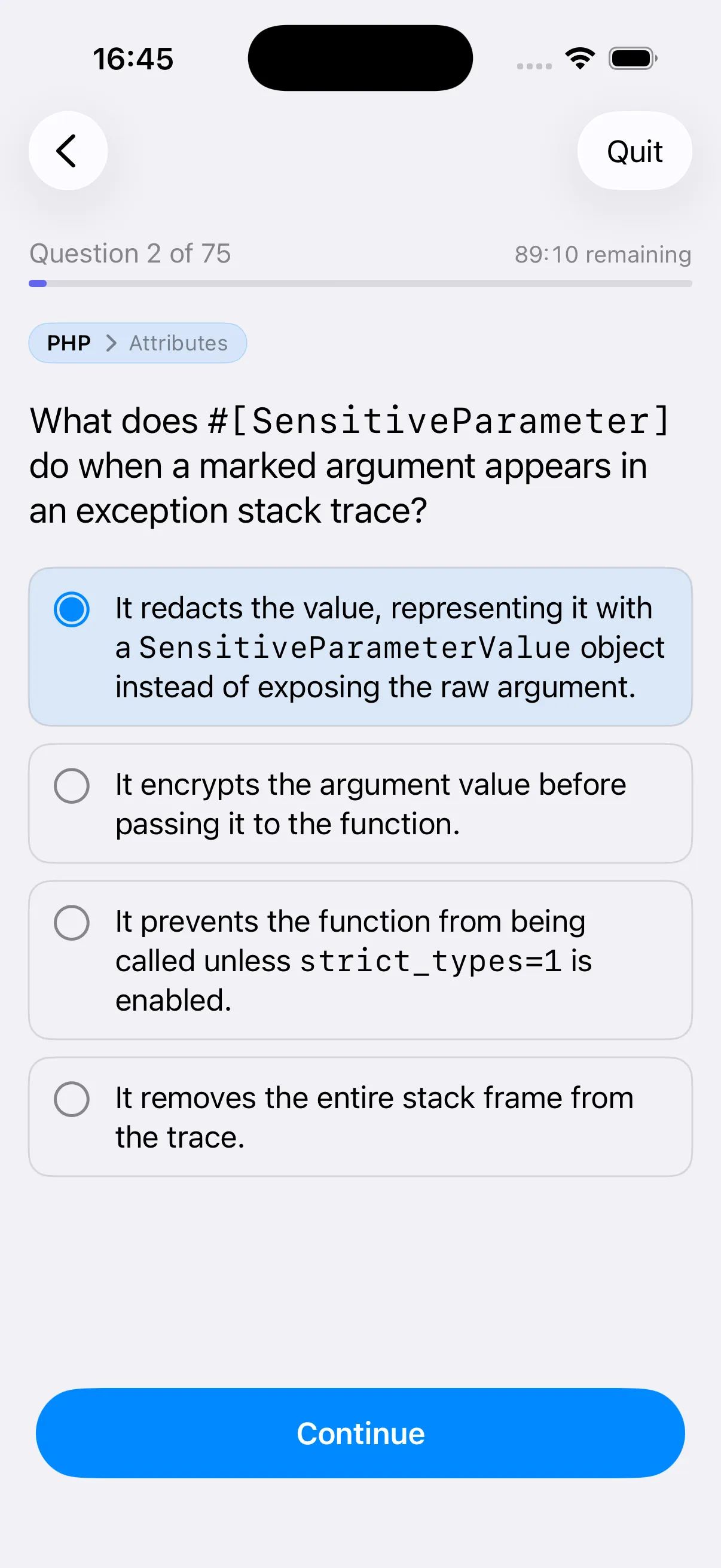
Practice
Real exam-style questions
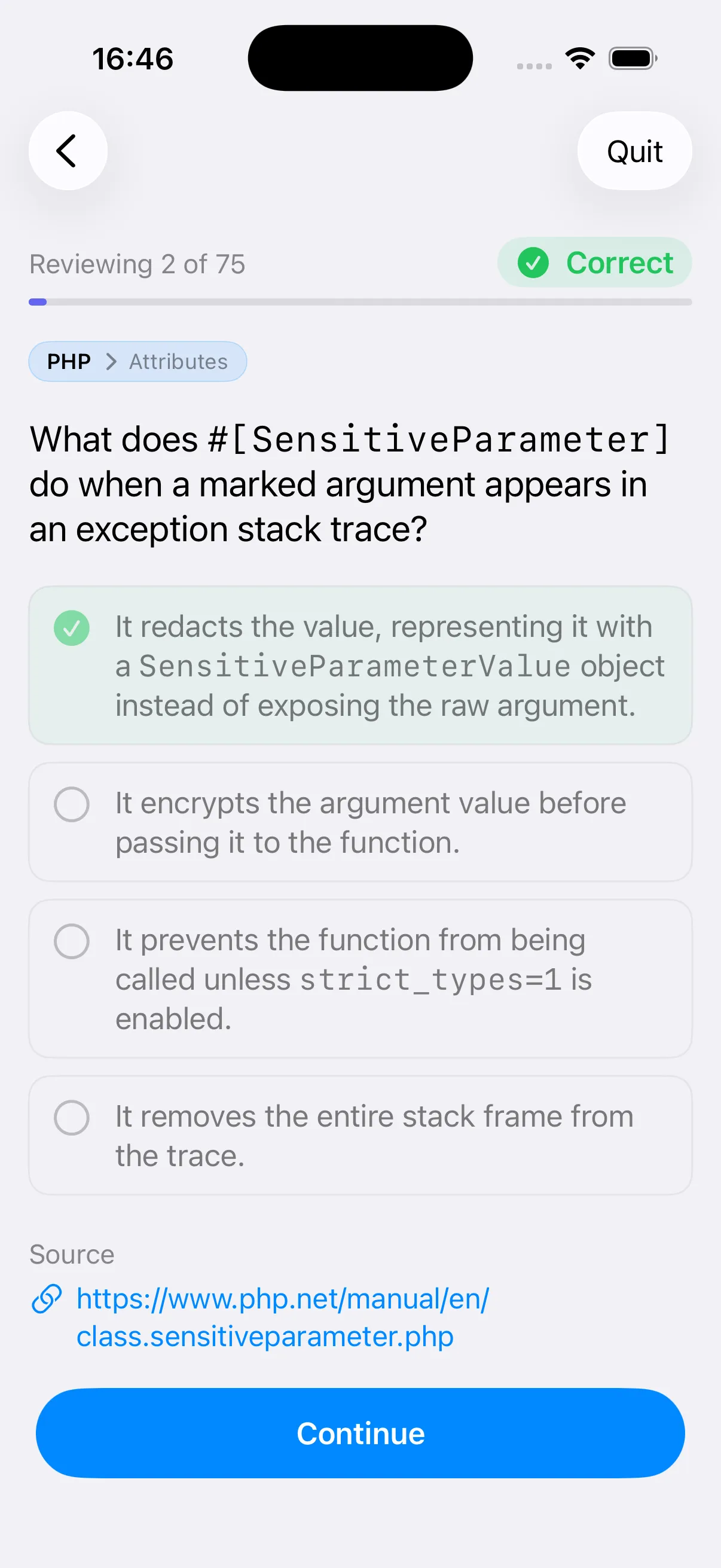
Review
Learn from every answer
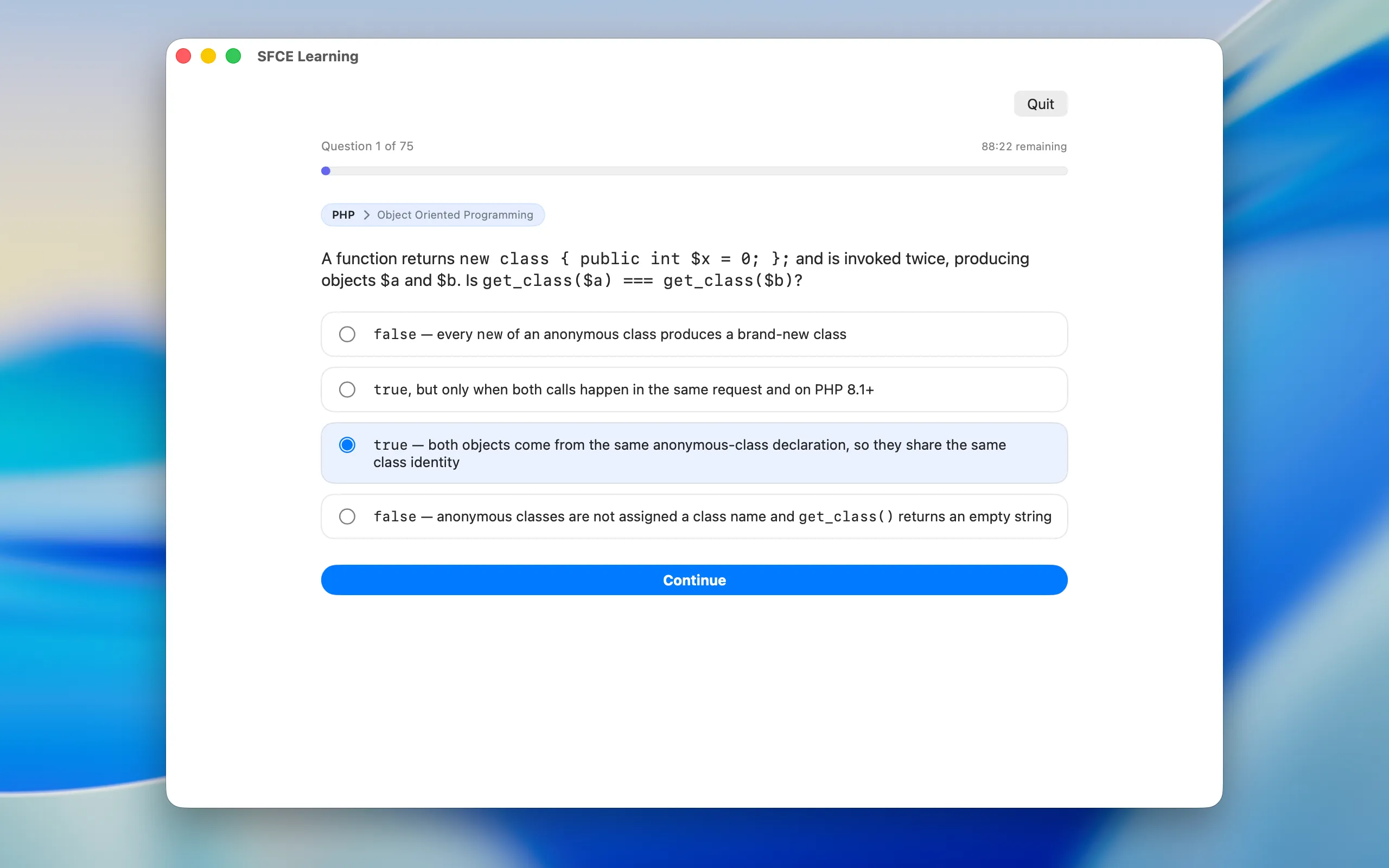
Same quizzes — with a bigger window — on iPad, Mac, and Android tablets.